4. Computer controlled cutting
This week I was taught how to use laser cutter and the vinyl cutter .First, we learn the safety training and did the group assigment . I will put the link to our group assignment below. https://2026-fablab-project-management-14bdac.gitlab.io/week_03_group/week_03_group.html
individual project
Laser cutter
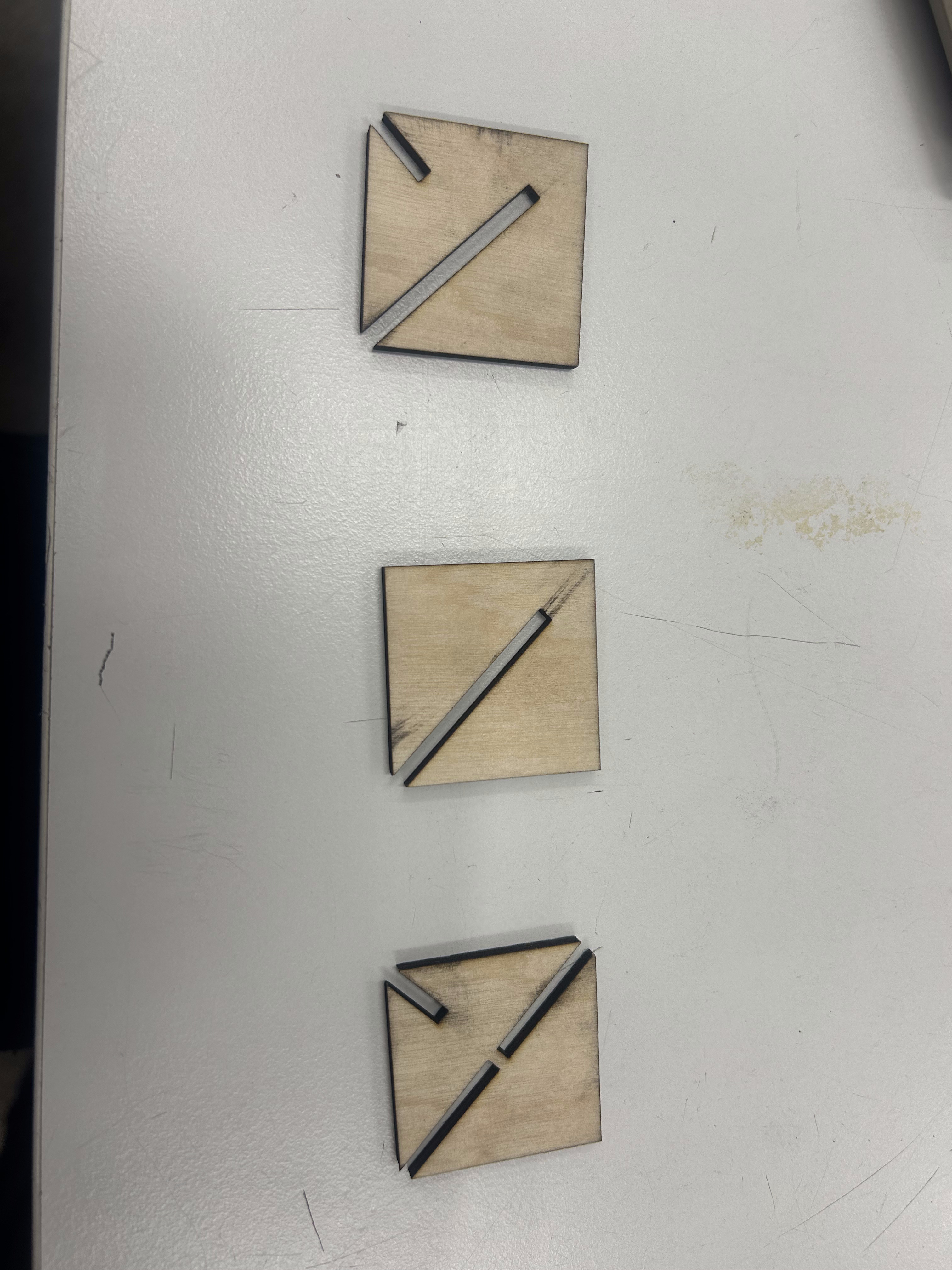
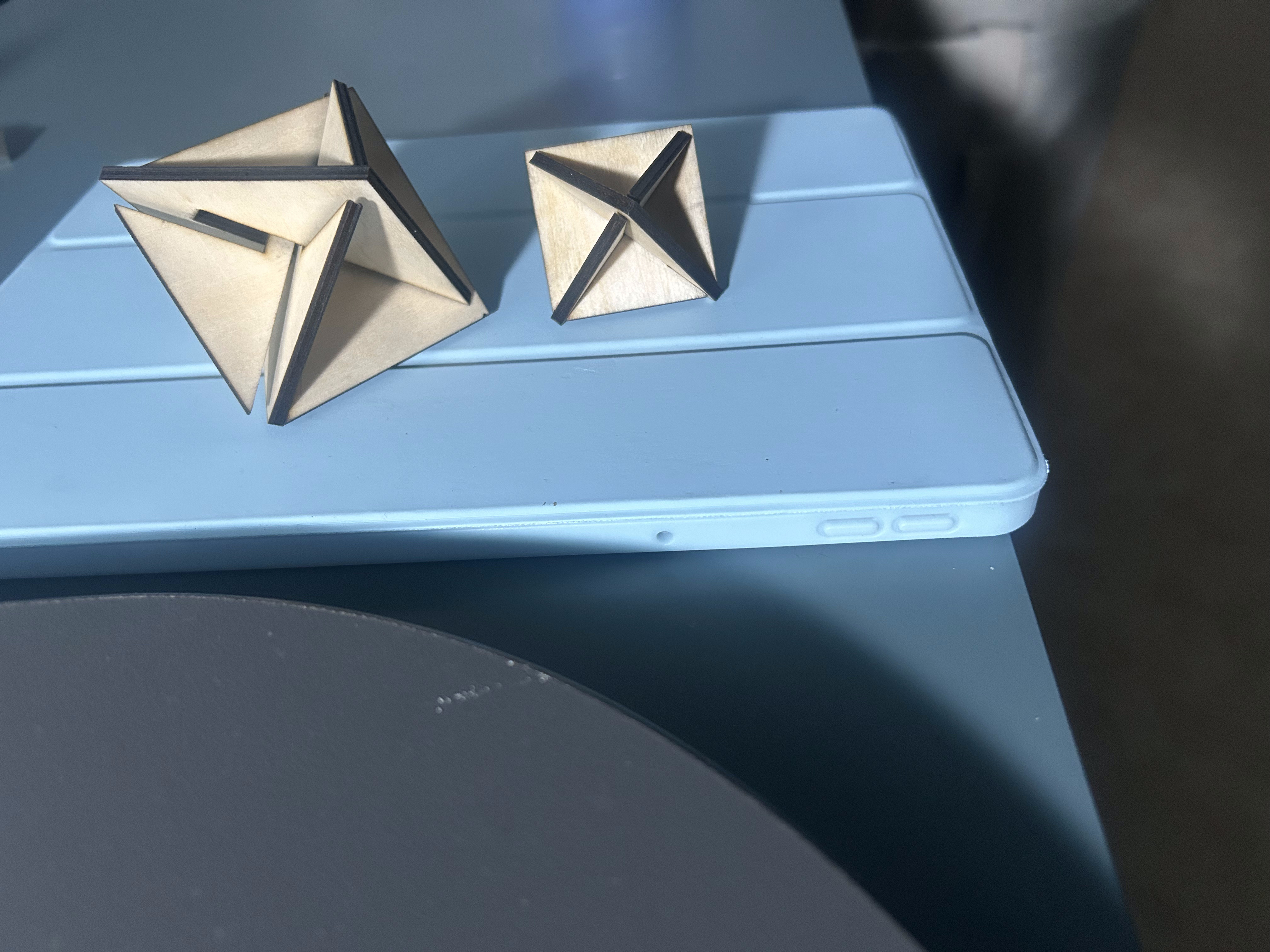
For individual project, I try to desgin a press-fit-triangular pyramid made from three pieces . I was motivated while watching the netflix series “Devel Plan” where player could collecet square pieces and assemble them into a triangular pyramid to get a suprising reward .
Firslt, I measured the kerf by taking 29.76mm which is the side of the square after cutting - 30 mm which is the origin side of the square .
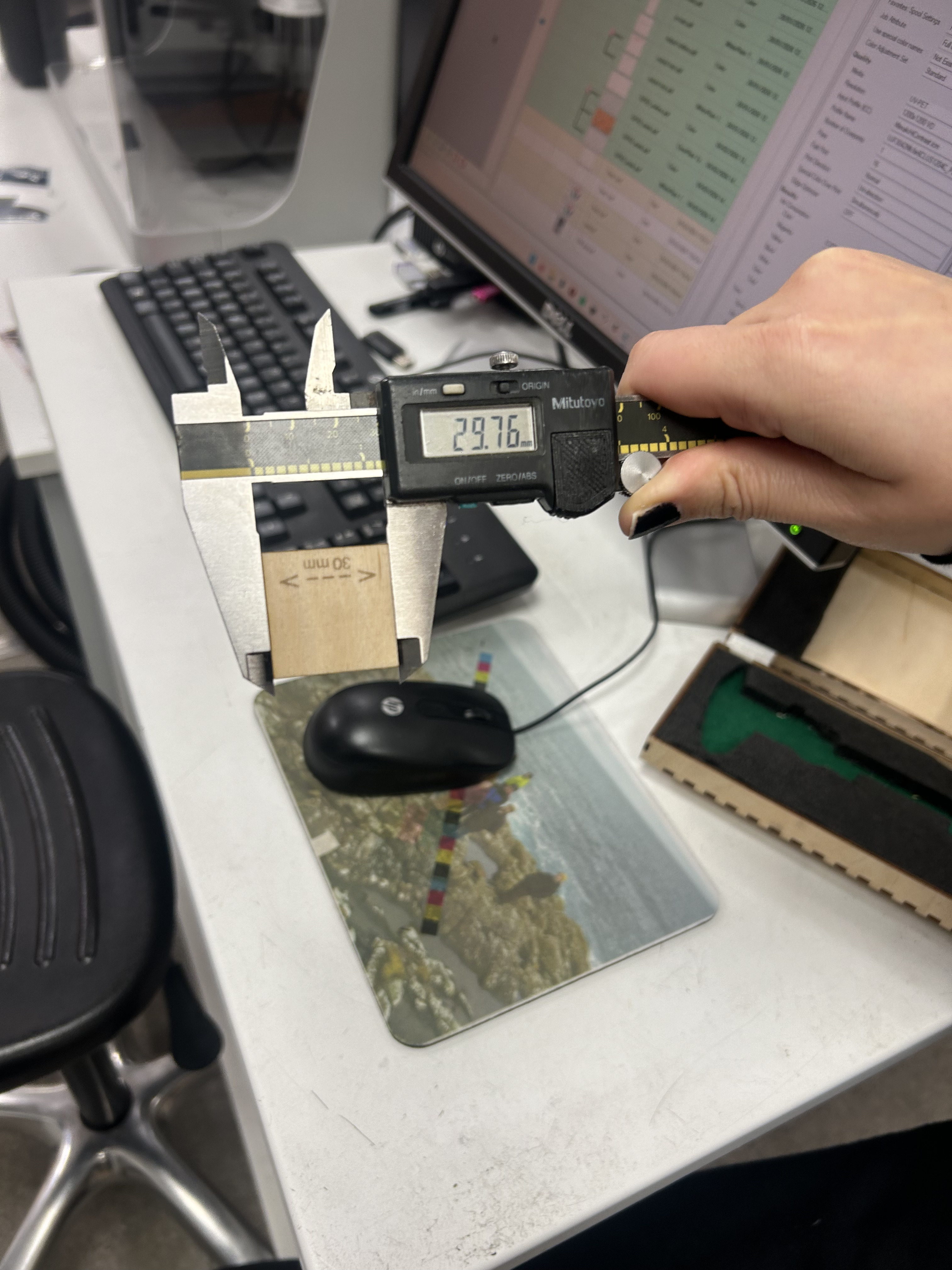
Then I had slot_width by taking thickness of the material minus the kerf .
Then I parameterized the square_length.
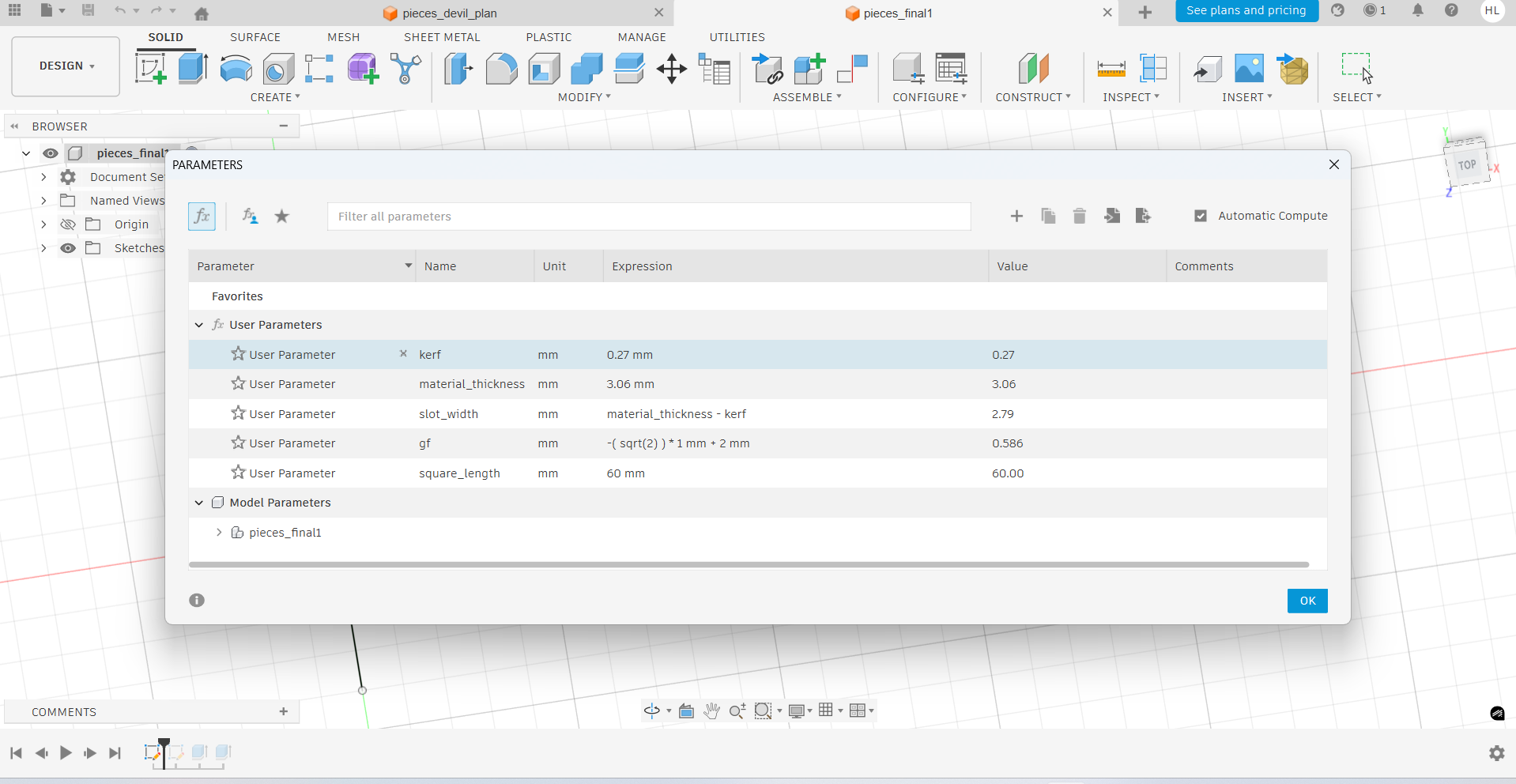
Afterthat , I started to design three pieces . I used midpoints constraint and parallel constraint to create the press-fit slot so at the last stage I can assemble these three pieces.
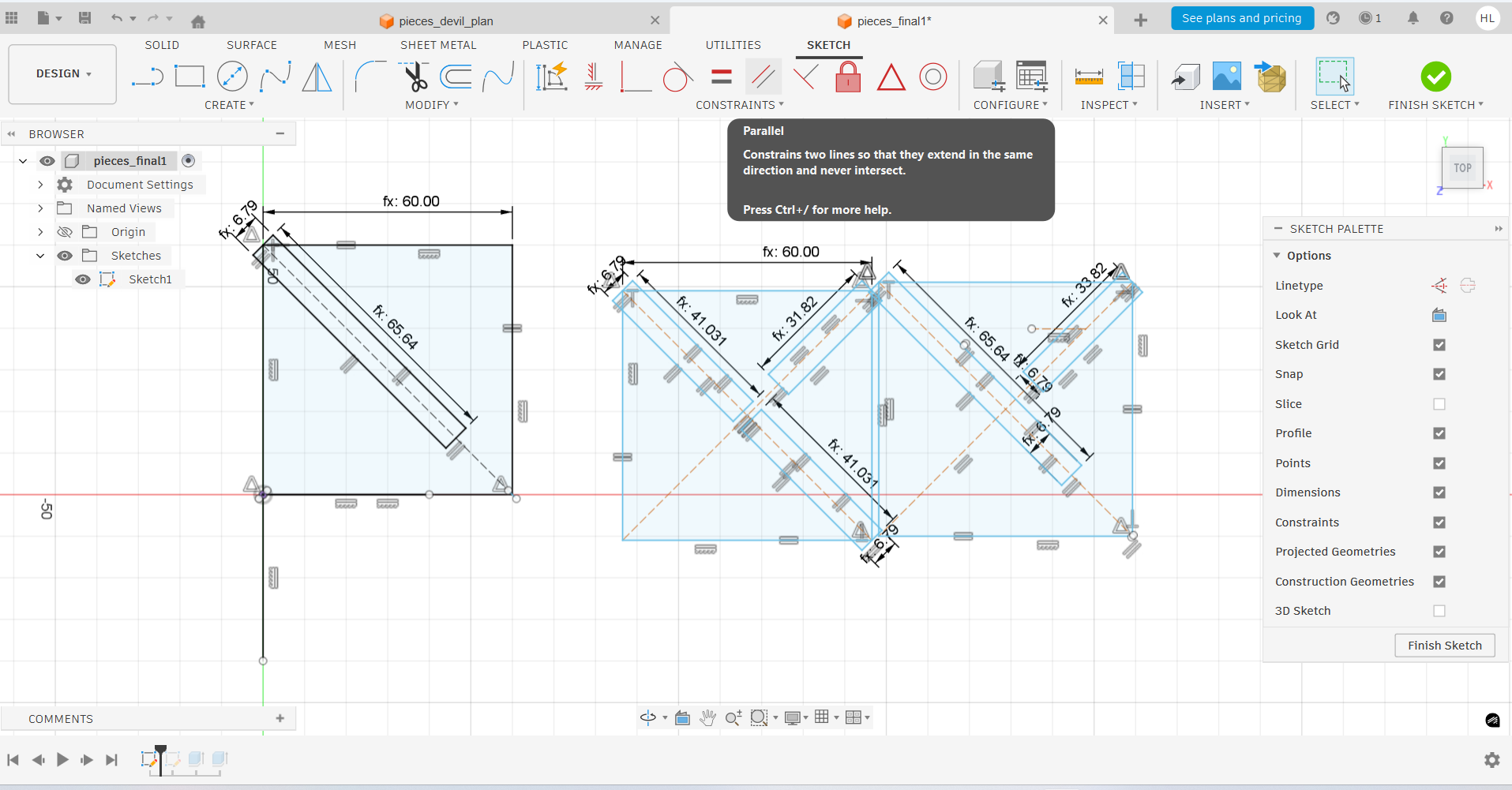
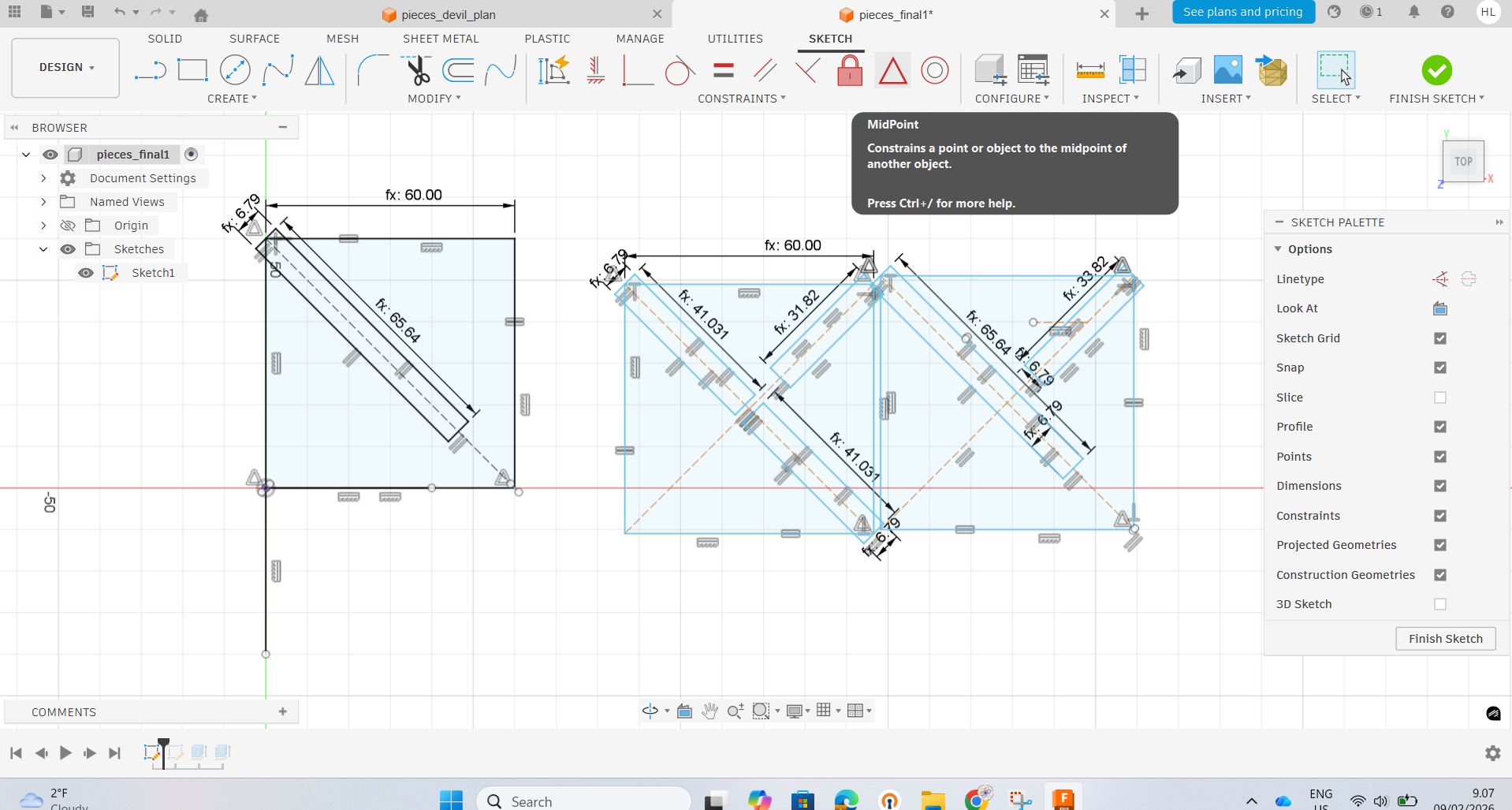
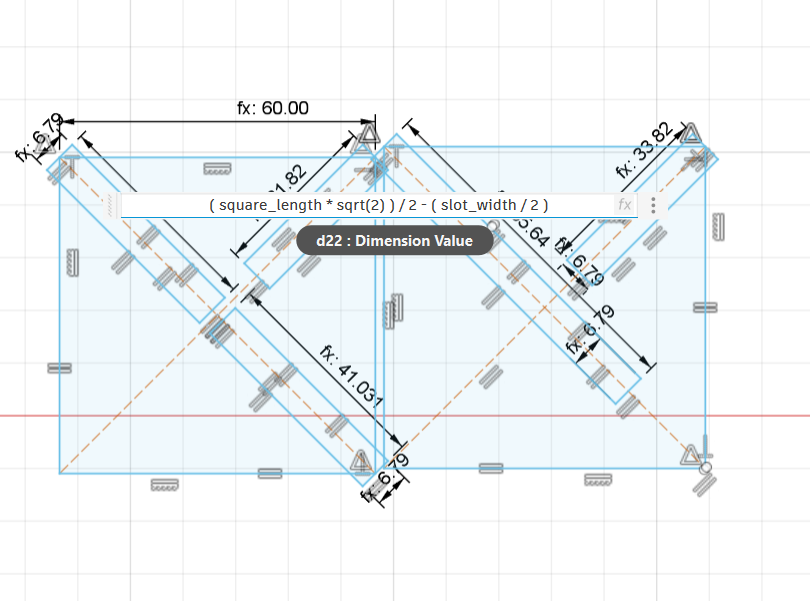
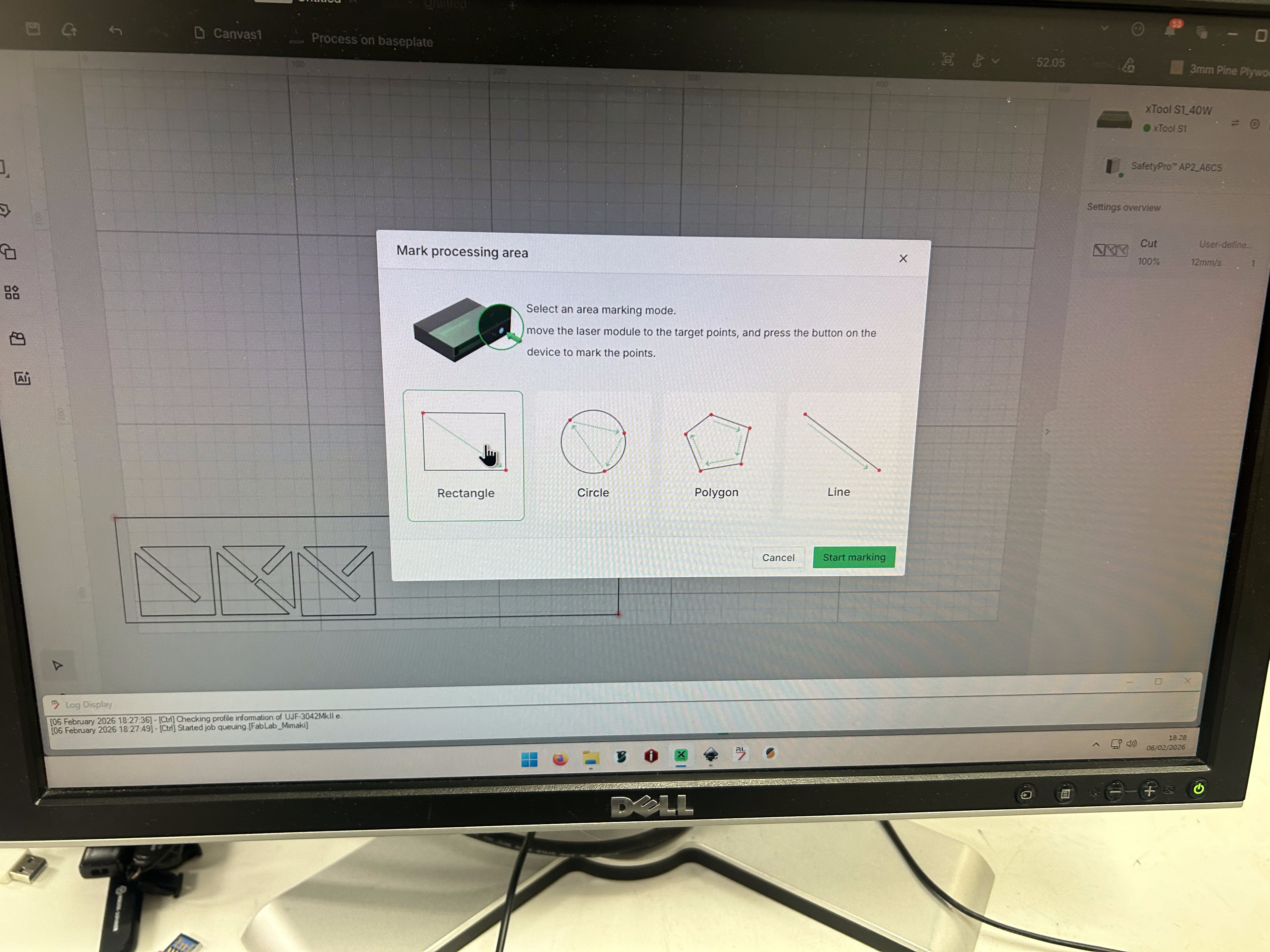
Finally , I converted the sketch on autodesk fusion into the pdf drawing to open on Inkscape on the computer in Fab Lab. Then I used the X tool X1 to cut the wood into three pieces. I faled about 4 times before making the intended triangular pyramid .
Virny cutter
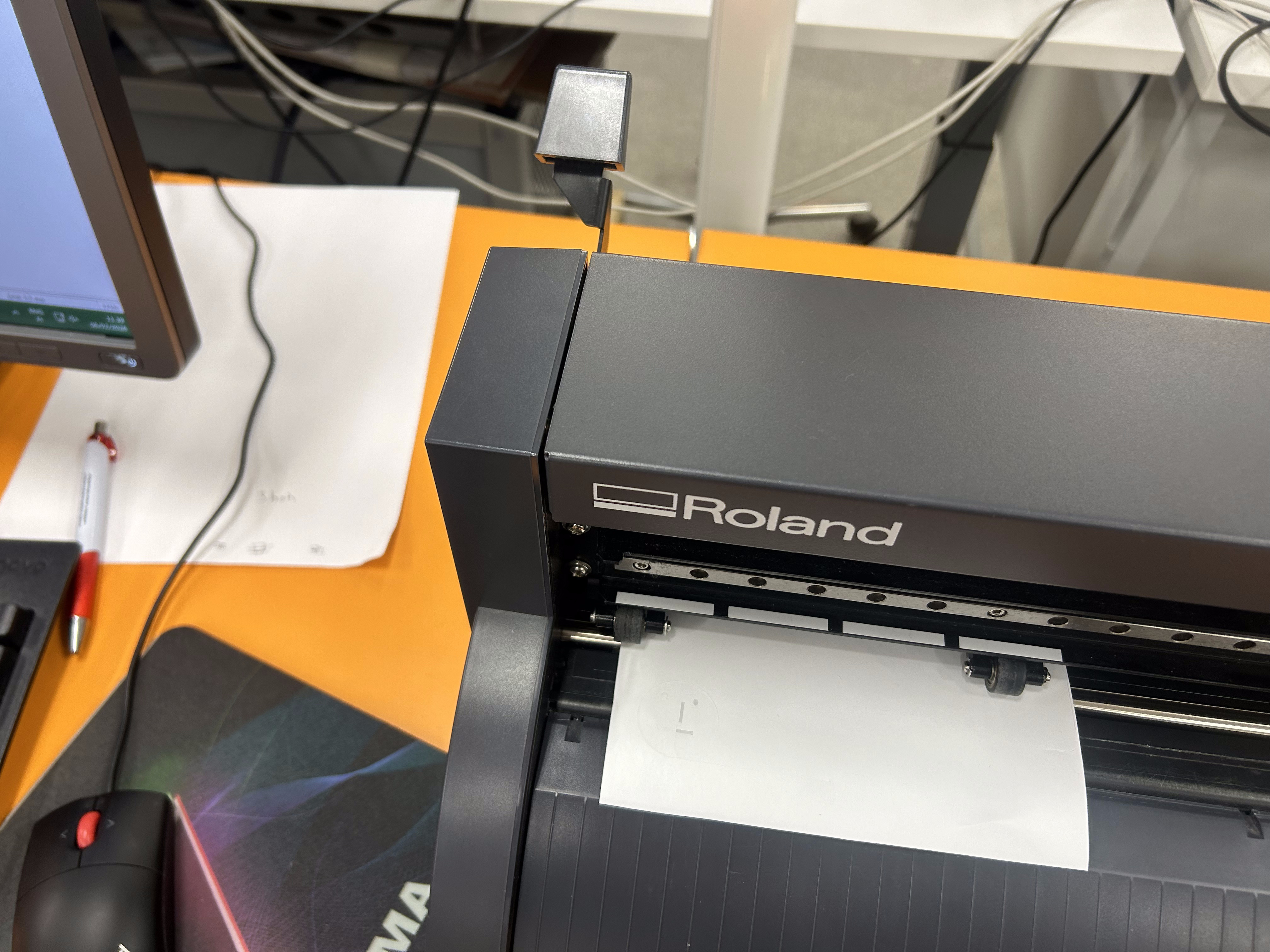
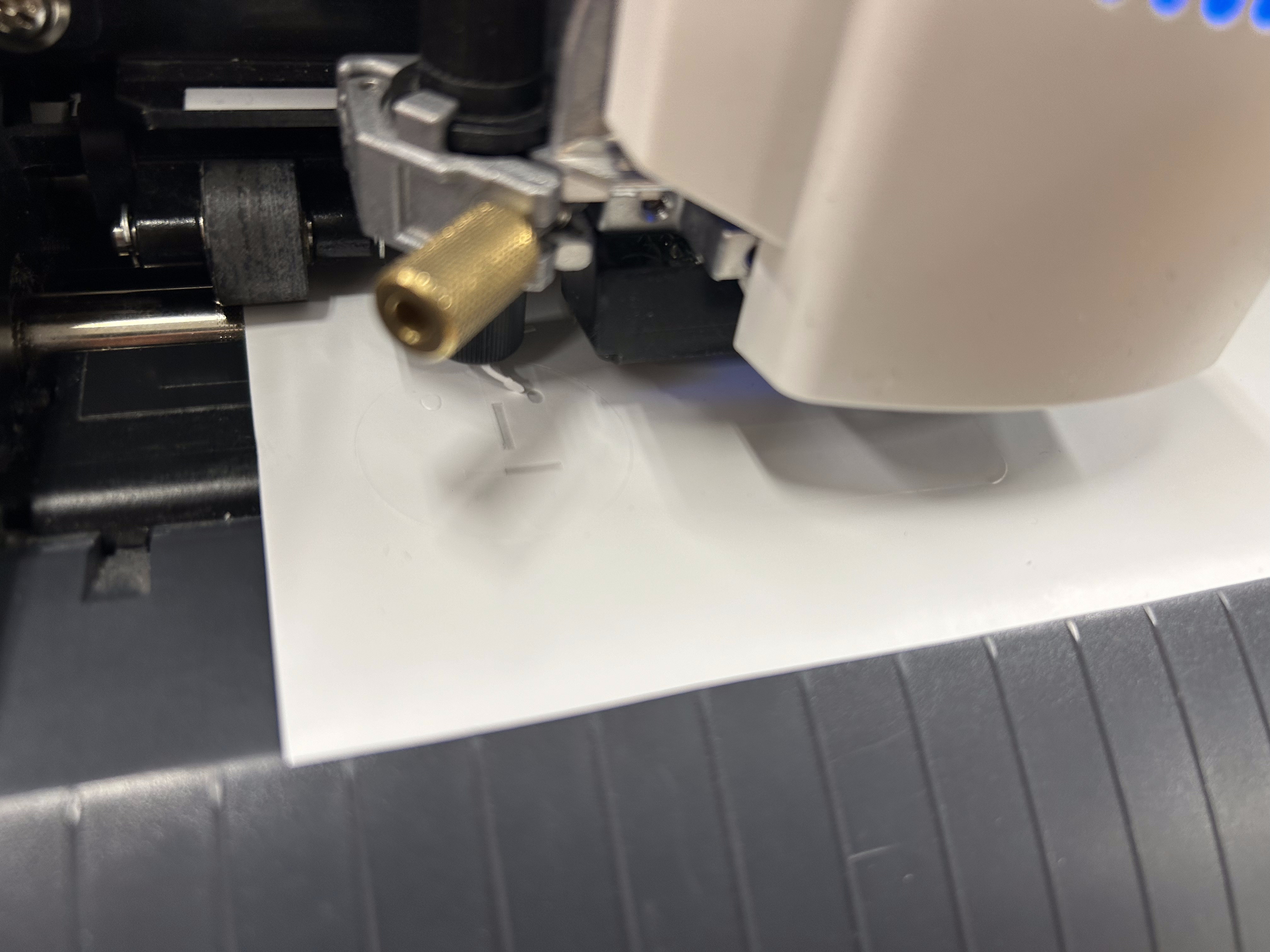
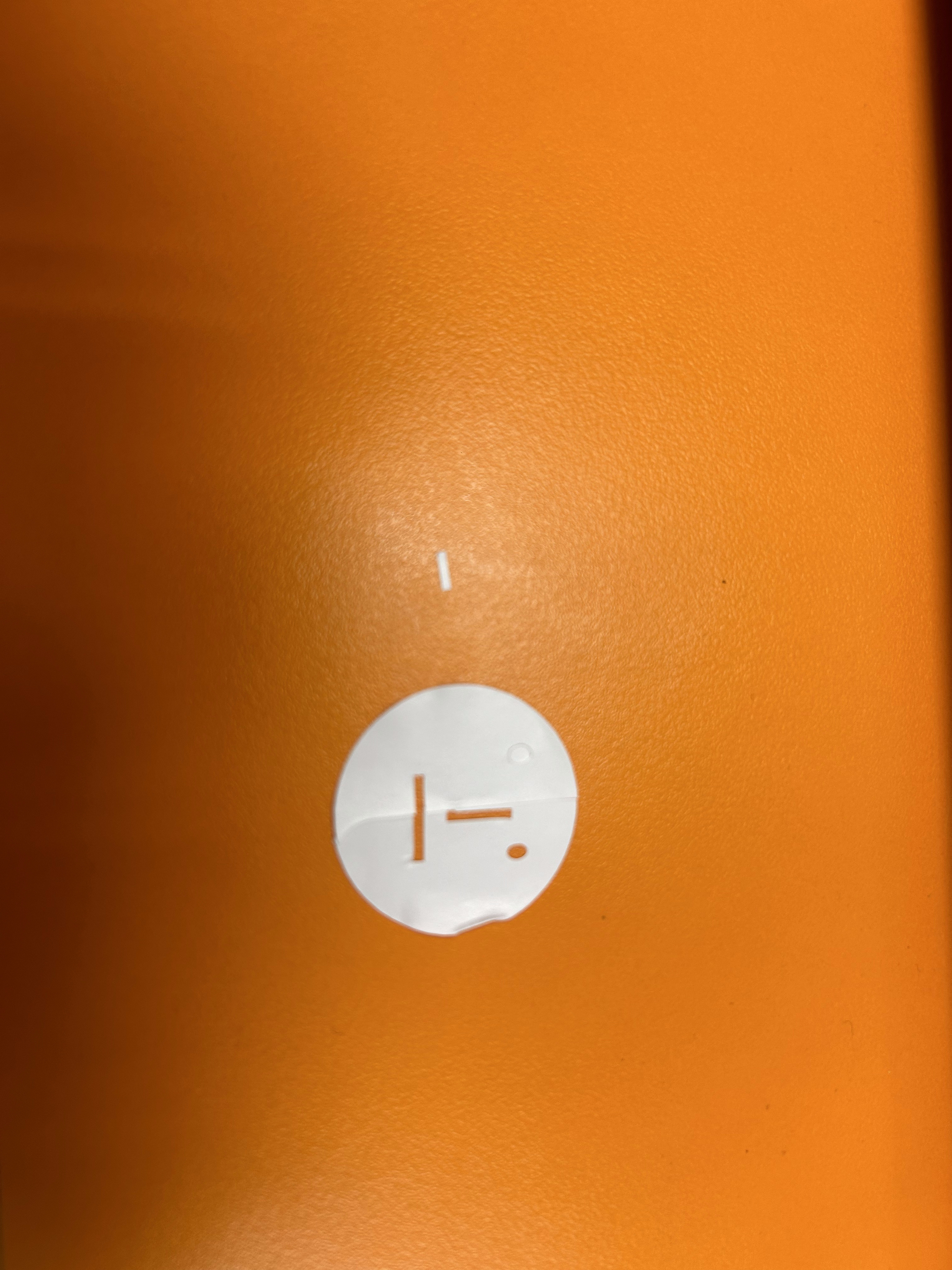
I did the circular face .I just created the simpleast thing as I could . I opened inscape on computer at Fab lab then designed it then started to use the virny cutter . Below is the image of the process .